Looney Tunes Outro - UE4 Shader Exploration

gif preview for mobile users

Shader Graph
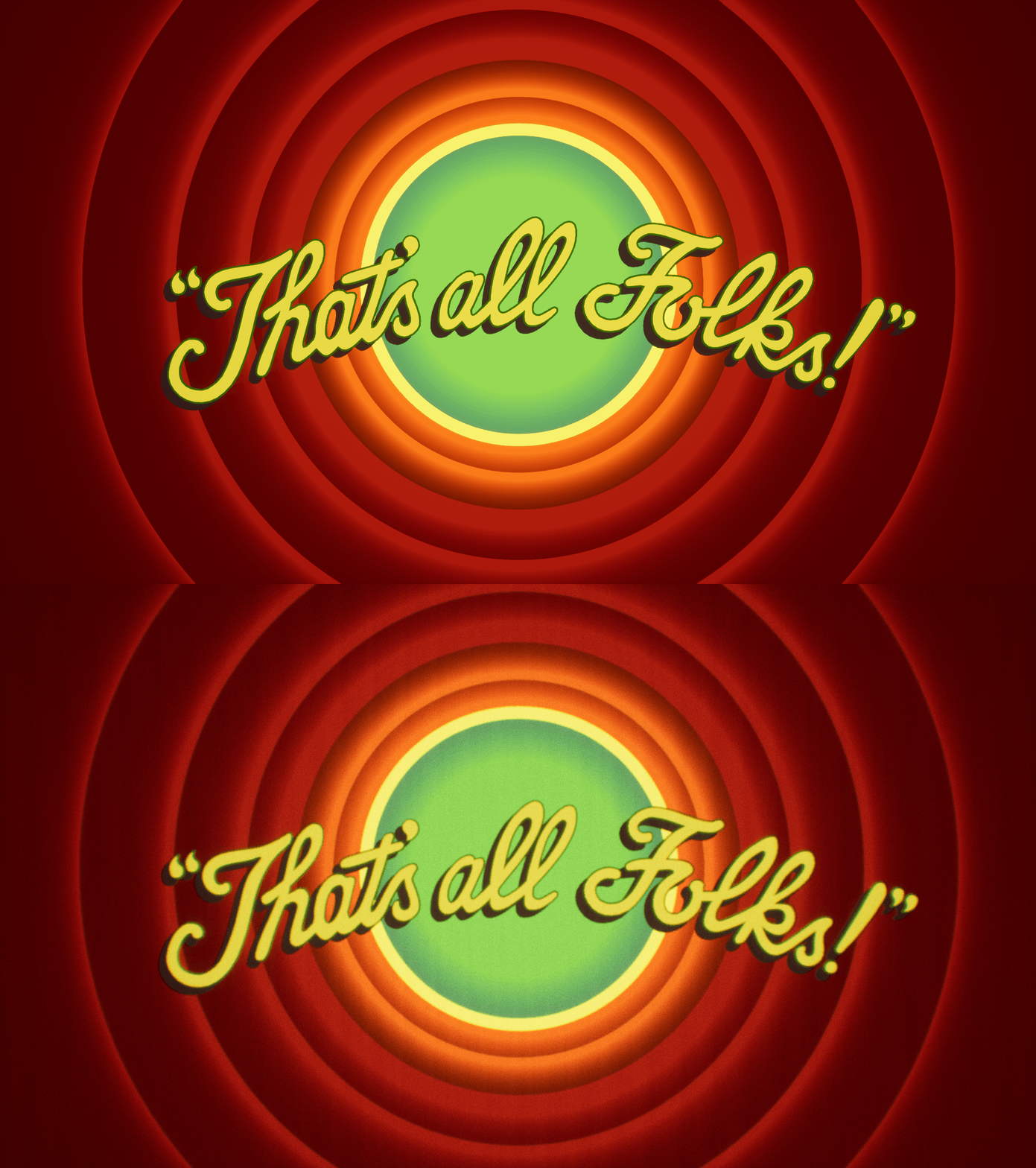
Comparison gif:
1- Post Process OFF, with focus
2- Post Process ON, out of focus

Custom mesh
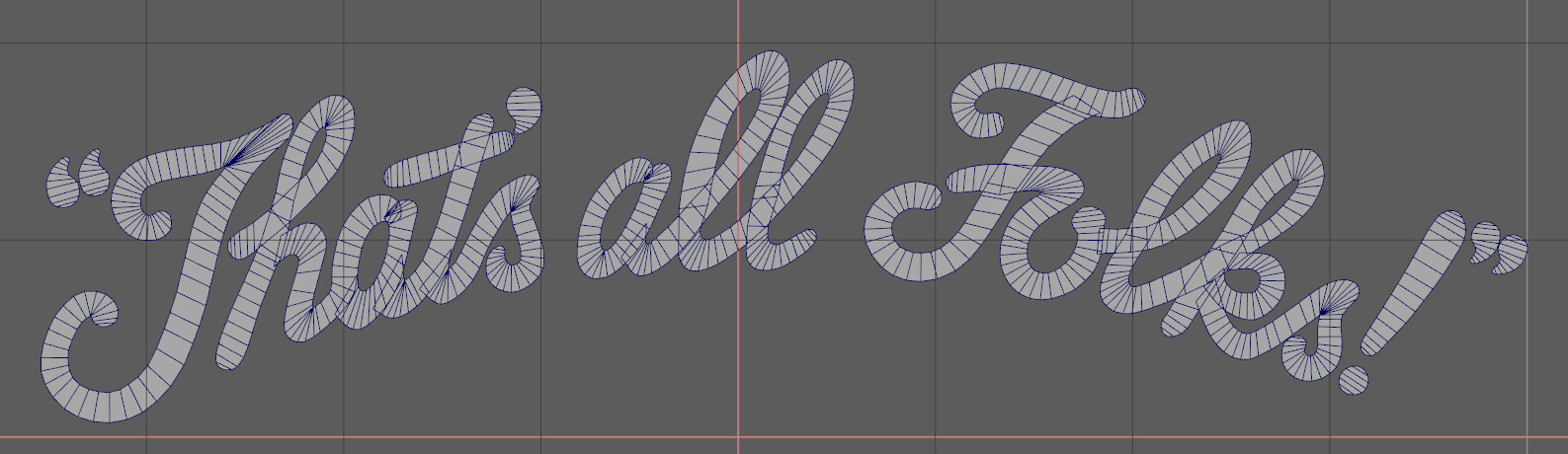
Traced Text
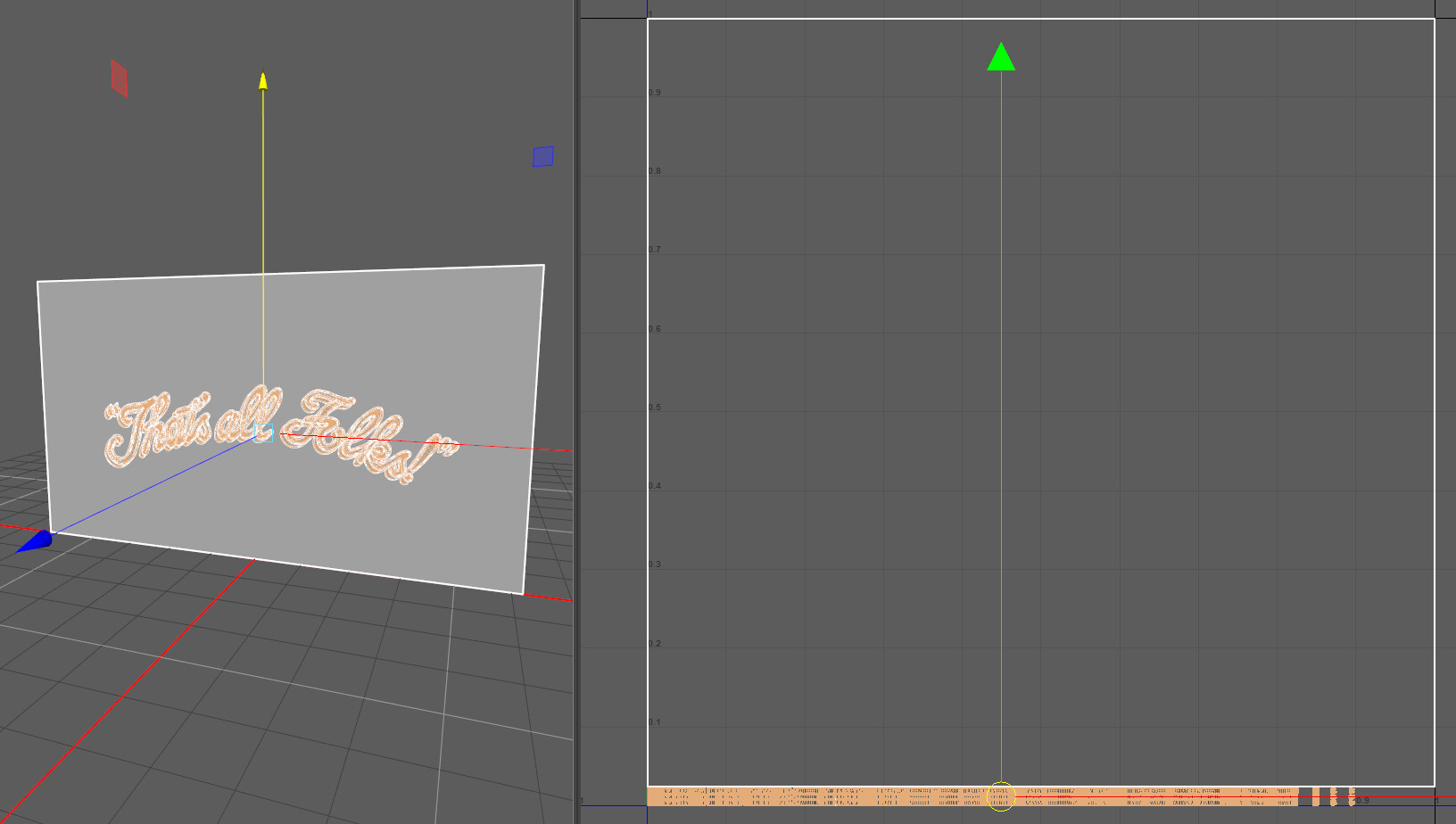
UV layout
Comparison of the same material assigned to the custom mesh and a rectangular plane
___ ___ ___ ___ ___ ___ ___ ___ ___ ___ ___ ___ ___ ___ ___ ___ ___ ___ ___ ___ ___ ___ ___ ___ ___
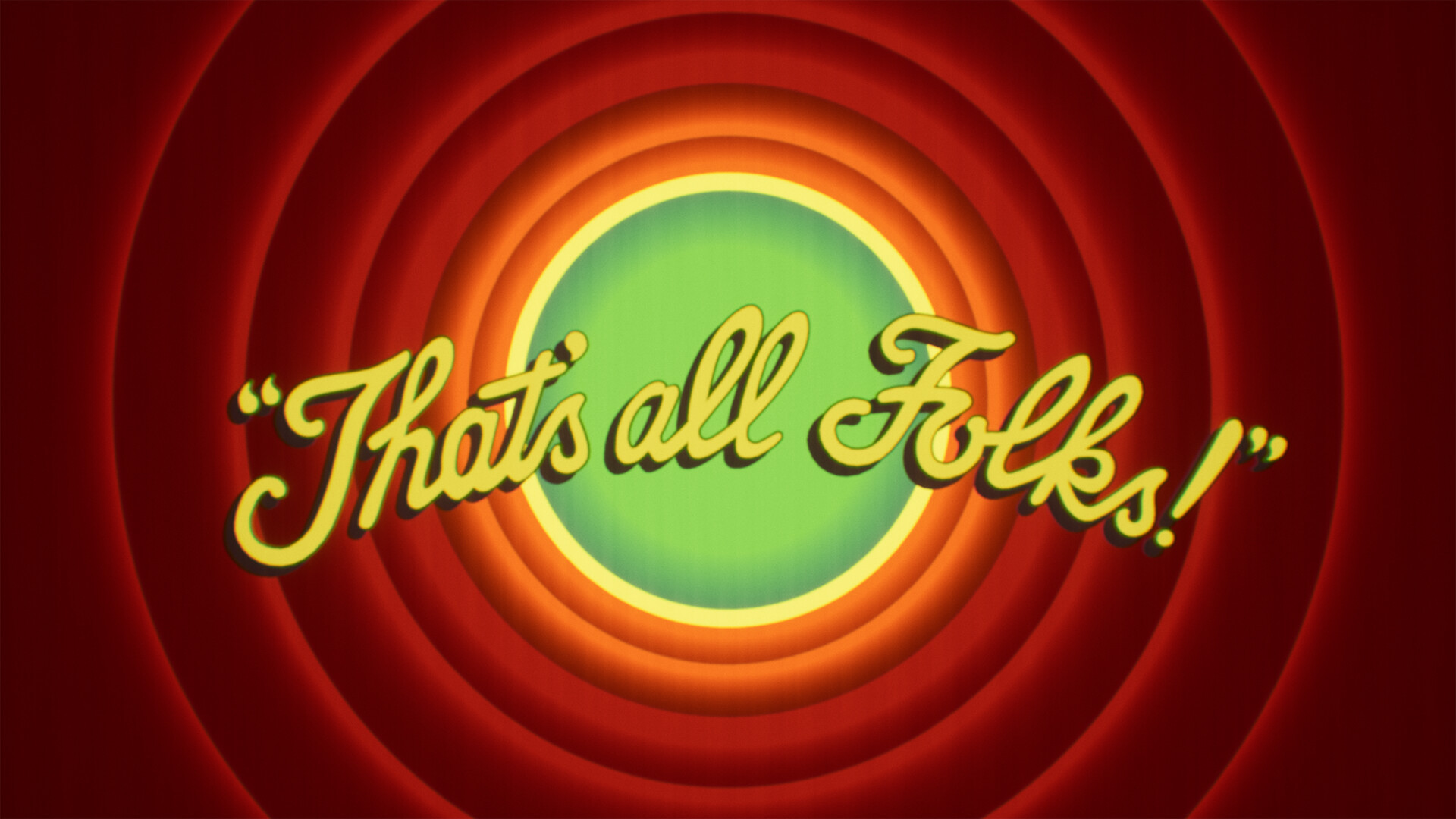
High-res render if you need a new wallpaper ;)
A very short exploration I've done a couple of years ago, after posting a blog post about creating circle shapes and expanding rings in UE4's shader graph:
https://www.artstation.com/blogs/briz/b0nw/fall-guys-map-loading-screen-bg-how-to-make-circle-shapes-and-expanding-rings-ue4-shaders
--- --- ---
All the circles and gradients are done using Signed Distance functions.
The challenge came from getting the right size and timing for each circle, to recreate the iconic outro of the Looney Tunes. I also wanted to integrate the text animation into the same material, which was done by lying the UVs in a horizontal line. The shadow and outline of the text were done by duplicating the geo and having some custom space in the UVs.
The "older" look was done by having the cine-camera out of focus and using some post-processing effects, such as Grain, Chromatic Abberation, and a dirt mask.